 Med Locker
How Med Locker works
Med Locker is an iPhone medication reminder. It locks the apps you choose when it's time to take your medication and opens them when you tap “I took it.” Here's exactly what locks, what never does, and what happens when real life gets in the way.
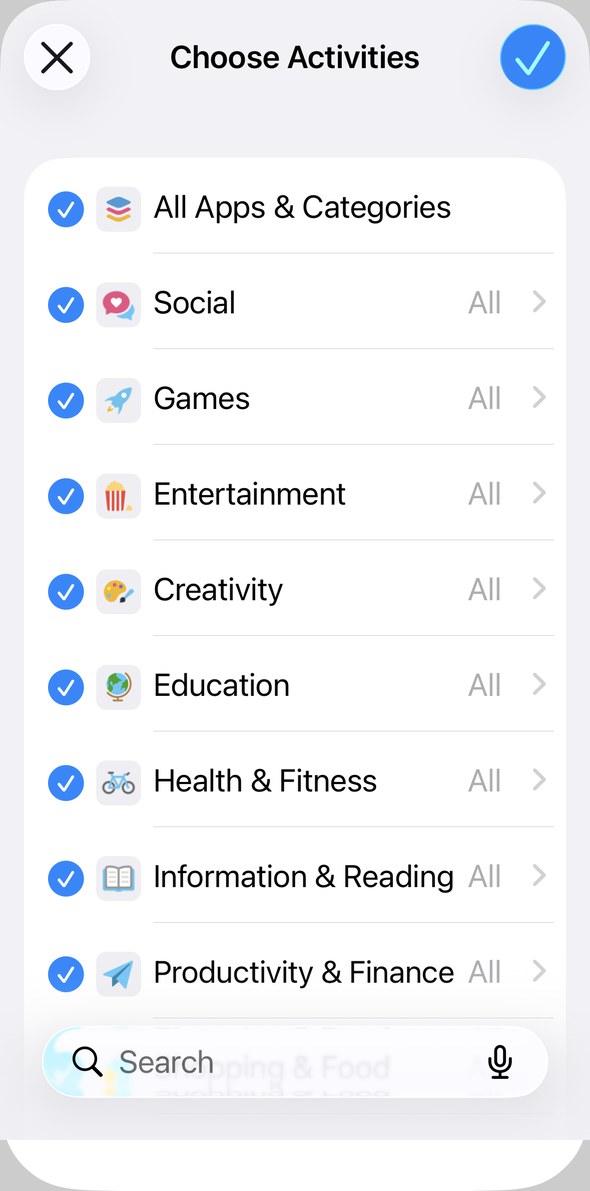
What locks
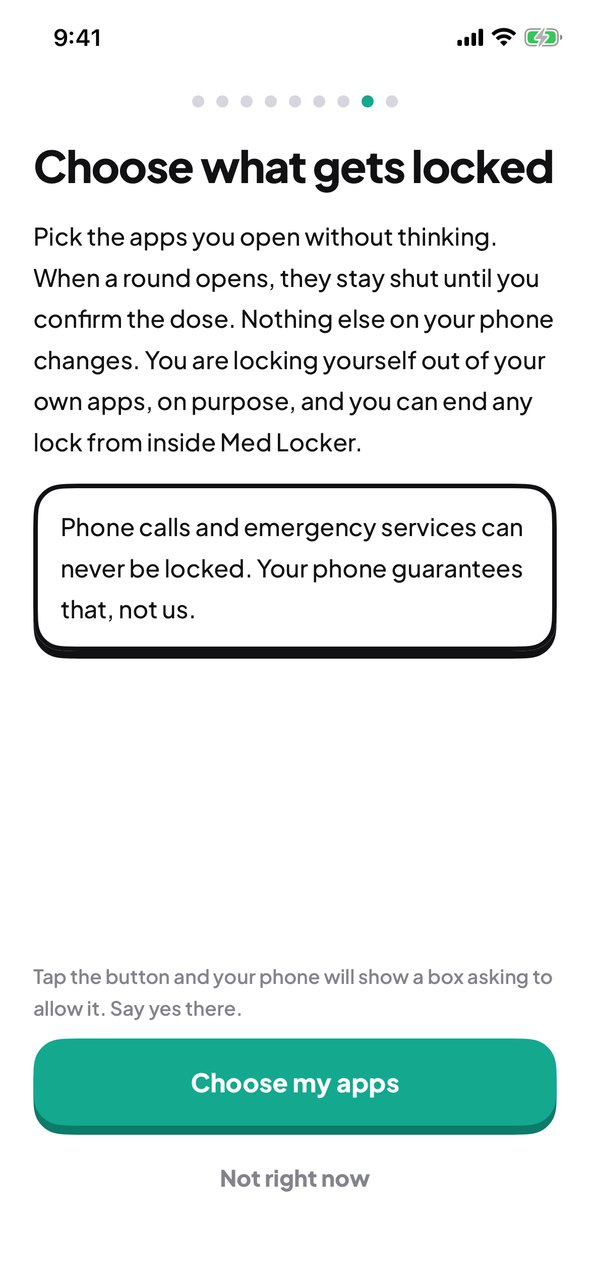
- The apps you pick during setup, from your iPhone's own app picker. Social, games, news, video, whatever you open without thinking.
- Med Locker asks once for Screen Time access, the iPhone permission that lets an app lock other apps. You can take it away any time in the Settings app, and Med Locker then simply cannot lock anything.
What never locks
- Calls and texts stay open, including emergency calls. Your iPhone guarantees that, not us.
- Med Locker itself never locks. You can always open it and tap “Not now.”
Texting apps like WhatsApp lock if you pick them. Apple's Messages app never does.
What happens at medication time
- 30 minutes before
One reminder. It doesn't repeat.
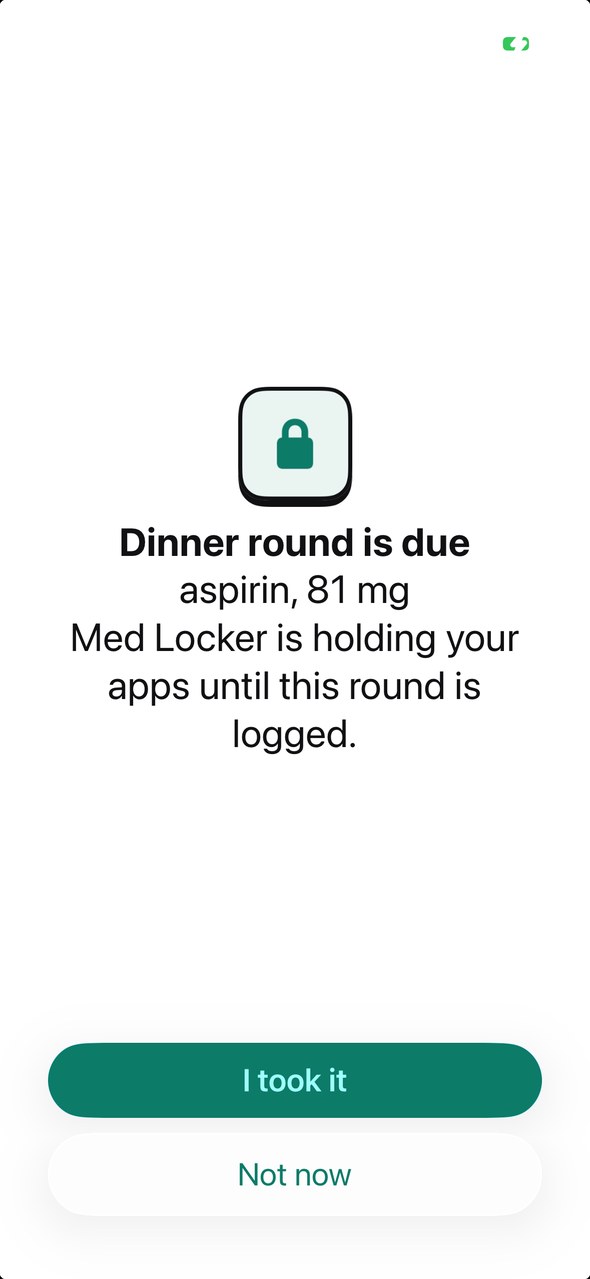
- Medication time
Your chosen apps lock.
- You tap “I took it”
Your apps open right away, and it logs with the time.
- Or you tap “Not now”
Push it back 30 minutes, 1 hour or 2 hours, or skip it for today. Pushing it back opens your apps now and locks them again at the new time if it is still unlogged.
- On its own
A lock lifts after at most an hour, when your next medication time starts, or at midnight. It never carries into the next day.
What happens if…
I take a dose late?
Taken late still counts as taken. The time you logged it is recorded, and Pip gives a smaller celebration than for an on time dose. There is no late mark.
I take a medicine only as needed?
Med Locker doesn't handle as-needed medicines yet. It's built for medicines on a schedule.
My phone restarts or is off at medication time?
Nothing happens while your phone is off. The next time you open Med Locker it checks the clock. If the lock hour is still running, your apps lock. If it has passed, they stay open and that medication time shows as not logged until you log it.
I travel across time zones?
Medication times follow your phone's clock. Your 8 am medication is at 8 am wherever you are.
I tap “I took it” but didn't?
Med Locker can't tell. It records what you tap. The lock is there to get your attention, not to check on you.
I work nights?
Set your medication times for any hour. Your morning medication can be at 3 pm.
Setting up takes a few minutes
-
1
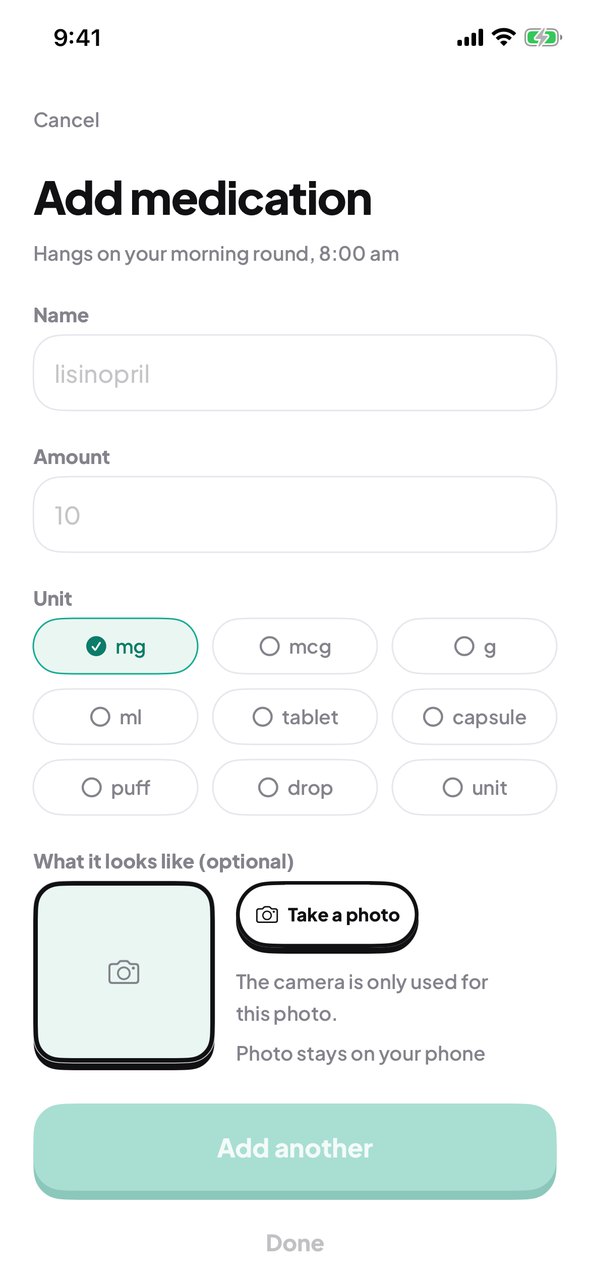
Add your medications
Name, amount and unit. A photo of the pill is optional.
-
2
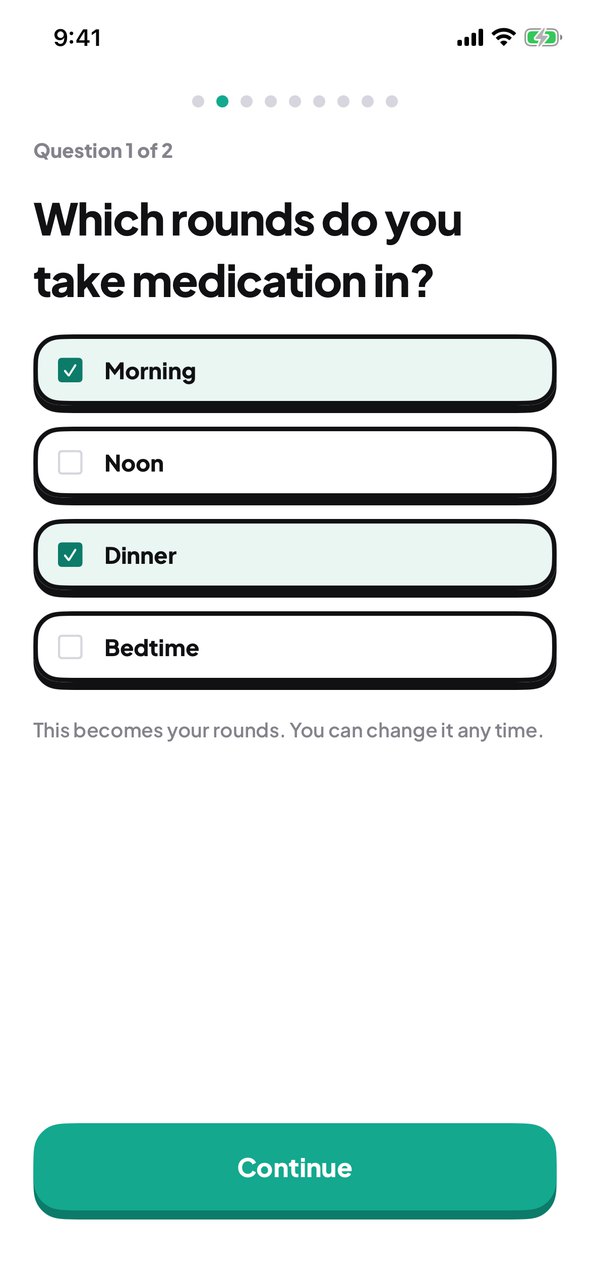
Set your times
Up to four a day, each at the time that suits you.
-
3
Pick the apps to lock
Your iPhone shows its own picker. Choose apps or whole categories.
Try it free for 3 days
$39.99 a year after the trial. Cancel in your App Store settings at least a day before the trial ends and you won't be charged.